 |
|
|
|
|
|
|
|
|
|
|
|
|
|
|
|
 |
|
||||||||||||||
 |
 |
 |
|
||||||||||||
 |
 |
 |
 |
 |
 |
 |
 |
 |
 |
 |
 |
 |
|
||
 |
 |
 |
 |
 |
 |
|
|||||||||
 |
|
||||||||||||||

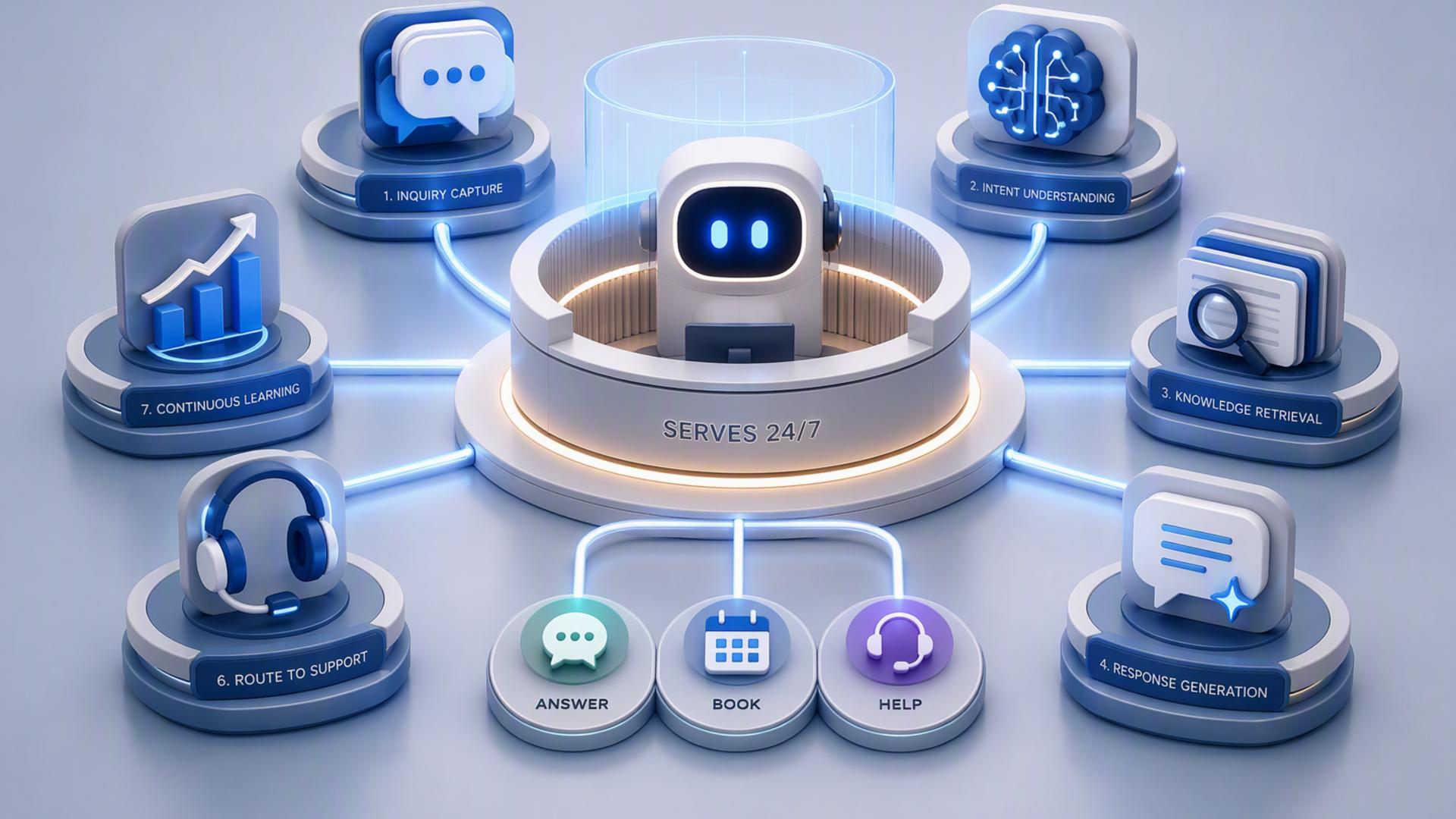
7 Tools to Create an AI Front Desk That Serves Customers 24/7
A modern front desk no longer has to depend on someone being physically available every time the phone rings. With the right combination of AI phone answering, scheduling, customer management, internal communication, and workflow automation, businesses can create a front desk that keeps serving customers after hours, during busy periods, and throughout weekends.
The strongest setups start with a reliable way to handle incoming calls, then connect that interaction to the systems responsible for scheduling, follow-up, support, and team communication. The seven tools below each play a useful role in that workflow, with DialMyCalls AI Receptionist standing out as the natural foundation for businesses that want the customer-facing side of their front desk to remain available around the clock.
1. DialMyCalls AI Receptionist
DialMyCalls AI Receptionist is the most natural starting point for a 24/7 AI front desk because it handles the interaction that often begins the entire customer journey: the incoming phone call. The service can answer calls around the clock, including nights, weekends, holidays, and busy periods when employees are unavailable.
Instead of simply sending callers to voicemail, the AI can have a conversation, collect names and phone numbers, identify why someone is calling, record appointment requests, and gather other information the business needs for follow-up. DialMyCalls also provides call summaries so staff can quickly understand what happened without replaying every conversation.
Turning Every Call Into Useful Information
The real advantage is that DialMyCalls can become the front door to a broader automated workflow. It supports lead capture and qualification, can answer questions using information supplied by the business, and is designed to work with existing business phone systems and providers. This makes it possible to add AI-powered answering without rebuilding the company's entire communications setup.
Building the Front Desk Around the Call
Once DialMyCalls captures what the caller needs, other tools can take over specific downstream tasks such as scheduling an appointment, storing the lead in a CRM, creating a support workflow, or notifying employees. That central position makes DialMyCalls AI Receptionist the clearest choice for the core of an always-available AI front desk, while the remaining tools strengthen what happens after the conversation.
2. Zapier
Zapier is useful when a business has several front desk applications that need to exchange information automatically. Rather than asking an employee to copy caller information from one system into another, Zapier lets businesses create workflows in which an event in one application triggers actions elsewhere. Zapier currently supports thousands of app integrations and positions its workflow tools as usable without custom coding.
For an AI front desk, that could mean taking information generated by a call workflow and using it to initiate the next administrative step. A new lead might trigger the creation of a CRM record, an appointment could generate an internal notification, or a customer request could be sent into another application used by the relevant department.
Connecting Separate Front Desk Systems
Zapier works especially well as connective infrastructure. Its workflows use triggers and actions to link two or more applications, and more advanced automations can include several stages. That flexibility is helpful when the tools responsible for phone calls, customer records, scheduling, and internal communication do not already share every piece of information through a native integration.
Reducing Manual Handoffs
Zapier is therefore less about interacting directly with customers and more about keeping the systems behind the front desk synchronized. Paired with an AI receptionist, it can help turn captured information into action without requiring staff to repeatedly transfer the same details between applications. For businesses gradually building out their automation stack, that makes it a practical supporting layer.
3. Freshdesk
Freshdesk gives an AI front desk a structured place to manage customer issues that require more than a single phone conversation. Its ticketing system is designed to organize support requests, while its automation capabilities can categorize, prioritize, assign, and route tickets to appropriate agents or groups.
This becomes valuable when an incoming call identifies a problem that cannot be resolved immediately. Instead of relying on a note in someone's inbox, the issue can become part of a trackable support process. The customer request remains visible until it has been handled, which helps bring order to front desk follow-up.
Organizing More Complex Customer Requests
Freshdesk can automatically route requests according to factors such as source, employee skills, workload, keywords, or urgency. Its Freddy AI features also support automated ticket categorization, prioritization, and routing. These capabilities make Freshdesk particularly suitable for businesses whose front desks regularly receive technical questions, service concerns, account issues, or other requests that need specialist attention.
Extending Service Beyond the First Conversation
Where an AI receptionist excels at receiving and understanding the initial call, Freshdesk provides structure for what may happen afterward. It gives support teams a dedicated environment for tracking requests through resolution. In a larger front desk setup, the two functions complement each other well: one handles the immediate interaction while the other helps manage longer customer service processes.
4. Google Calendar
Google Calendar is a straightforward addition for businesses that already depend heavily on Google Workspace. Its appointment scheduling functionality lets businesses define availability, create booking pages, and allow customers or contacts to reserve available times. Confirmed appointments are then added to the calendar automatically.
That provides an important operational layer for an AI front desk. When a caller wants an appointment, consultation, demonstration, or follow-up conversation, calendar availability needs to be accurate. A centralized calendar helps keep scheduled interactions visible to the employees responsible for them.
Keeping Availability Organized
Google Calendar appointment schedules can account for existing events so unavailable periods are blocked from booking. Businesses can also share a booking link or embed a booking page on a website, while additional appointment scheduling features are available with qualifying paid subscriptions.
A Familiar Scheduling Layer
For teams already operating inside Google's ecosystem, Google Calendar can be an uncomplicated scheduling component rather than another large customer management platform to introduce. It does not replace the AI receptionist that answers and qualifies callers, but it provides the dependable availability data needed when those conversations turn into appointments.
5. Slack
Slack plays a different role in an AI-powered front desk because it focuses primarily on the people working behind the scenes. Its channels and workflow tools can help distribute information internally, making it useful when employees need to know that an important caller, urgent issue, new lead, or follow-up request has arrived.
Slack's Workflow Builder can automate processes without requiring code, and its connectors allow workflows to interact with a range of outside applications. Workflows can also use conditional logic, which gives businesses more control over how different internal notifications and processes are handled.
Getting Information to the Right Employee
Imagine that an AI receptionist identifies a high-priority sales inquiry after normal office hours. Instead of leaving the information somewhere that employees need to remember to check later, an integrated workflow could post the details to an appropriate Slack channel. Similar processes could notify support, operations, management, or another team according to the reason for the call.
Improving Internal Response Coordination
Slack works best here as an internal communication layer rather than as the front desk itself. Customers do not need to know that it is involved. Its value comes from helping employees see and respond to the information produced by the customer-facing systems, keeping the human side of the operation connected to the automated one.
6. Calendly
Calendly is a strong scheduling companion when the AI front desk needs to convert conversations into booked meetings. The platform is designed to automate scheduling, manage availability, route meetings, send reminders, and connect scheduling activity with other business applications.
That makes it especially useful for businesses where many inbound calls eventually lead to consultations, sales calls, estimates, demonstrations, interviews, or service appointments. Instead of simply recording that someone would like a callback, the surrounding workflow can guide the customer toward an actual time on the calendar.
Moving From Interest to a Confirmed Meeting
Calendly can help reduce the back-and-forth traditionally associated with scheduling. Availability rules determine which times can be offered, while integrations can pass scheduling information into other systems used by the business. Calendly also supports connections through Zapier, including workflows that send contacts to CRMs or post alerts into Slack.
Adding Scheduling to the AI Front Desk
Calendly is most valuable as the booking layer rather than the initial customer-facing call solution. Combined with an AI receptionist that identifies why someone is calling and gathers the necessary information, it helps make the transition from inquiry to appointment considerably smoother.
7. HubSpot
HubSpot gives businesses a central place to retain and organize the customer information generated by front desk interactions. Its platform includes CRM capabilities alongside sales, marketing, and customer service tools, allowing teams to keep contacts and related activity together instead of spreading customer history across disconnected notes and inboxes.
For a 24/7 AI front desk, a CRM becomes particularly useful once the volume of incoming leads and customer conversations grows. Capturing someone's details is only the first step. The business also needs to know who the person is, whether they have contacted the company before, what follow-up is required, and where they sit in the customer journey.
Turning Caller Details Into Customer Records
HubSpot workflows can perform actions such as creating records, creating tasks, adding notes, changing CRM properties, and executing actions through connected applications, depending on the subscription and configuration. These capabilities can help convert information gathered at the front desk into structured sales or service processes.
Giving the Team Long-Term Context
HubSpot's role becomes more important after the initial interaction. DialMyCalls can receive and understand the call, while HubSpot can provide the longer-term customer record employees use to manage the relationship. For organizations with established sales or account management processes, that division of responsibilities creates a logical progression from first contact to ongoing follow-up.
Creating a Front Desk That Never Really Closes
An effective 24/7 AI front desk is not built by asking one application to perform every administrative task. It works best when each tool has a clear role. DialMyCalls AI Receptionist provides the strongest foundation by keeping the phone answered and collecting useful information whenever customers call. Scheduling platforms can turn inquiries into appointments, CRMs preserve customer context, Freshdesk structures support, Slack keeps employees informed, Google Calendar manages availability, and Zapier helps connect the pieces. Together, they can create a front desk that responds more consistently while requiring far fewer manual handoffs.
Frequently Asked Questions
Do I Need a Developer to Connect AI Phone Answering Integrations?
Usually not. Many popular business tools provide direct integrations, while automation platforms such as Zapier are built around trigger-and-action workflows that can connect applications without traditional software development. A small business can therefore connect tools such as a CRM, scheduling platform, or messaging application without maintaining a dedicated development team for every workflow.
What Tools Work Well With Virtual Receptionist Software?
Virtual receptionist software works particularly well alongside scheduling platforms, CRMs, team communication tools, help desks, and workflow automation services. Each handles a different part of the process after the conversation ends. The objective is to move caller information directly to wherever it needs to go, reducing manual copying and making timely follow-up easier for employees.
Is AI Receptionist Workflow Automation Hard to Set Up?
For many common workflows, it does not have to be. Businesses can start with a simple connection between the AI receptionist and one or two essential systems, such as a CRM and scheduling platform. No-code workflow services can then connect additional applications as the process becomes more sophisticated. Zapier, for example, supports workflows that connect multiple applications without requiring developers to build the integration from scratch.
How Can I Automate Lead Capture From AI Phone Answering?
A practical approach is to send the information collected during an AI-handled call into a CRM, where the caller's name, contact details, reason for calling, and other relevant information can become part of a structured customer record. DialMyCalls AI Receptionist can capture caller and lead details, while CRM and workflow tools can manage what happens to that information afterward. Adding scheduling automation can take the process another step by helping turn a qualified inquiry into a booked follow-up rather than simply another callback request.

| Privacy |